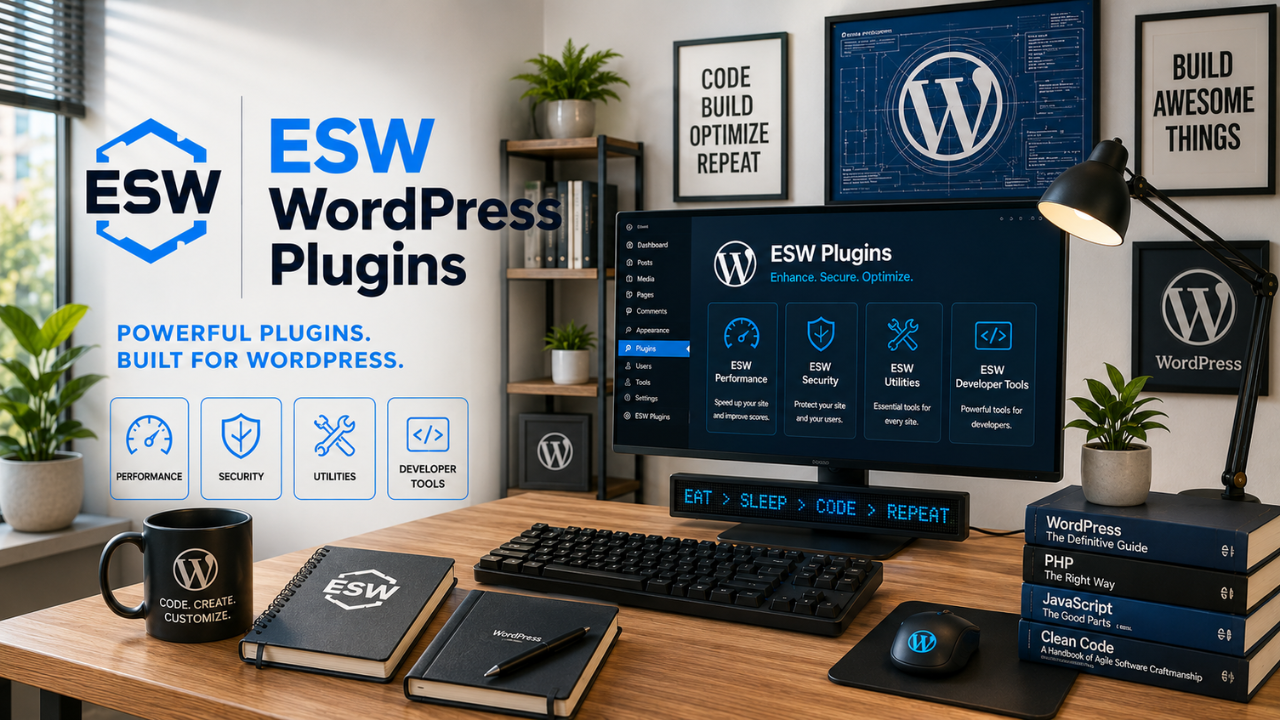
I’m currently putting together the documentation, and I’ll soon provide access so you can install the plugins on your own website. In the meantime, you can see them in action by clicking on the links below.
ESW Custom Video Player lets you display YouTube, Vimeo, and other supported videos using a crisp, customizable preview that opens the actual video when clicked. Adjust the size, alignment, borders, play button, and more, or use your own custom preview image for a polished, responsive look on any device. See it in action here, under the panel called “How to Use This Calculator.”
ESW Video & Playlist Popup
ESW Video & Playlist Popup
This plugin lets you display YouTube videos, playlists, Vimeo videos, and other supported video content in a clean, responsive popup without sending visitors away from your page. Turn a simple text link, button, or image into an engaging video experience that keeps visitors right where they are. See it in action.
ESW Simple Sharing is a lightweight WordPress plugin that makes sharing a page or post as simple as possible. Instead of overwhelming visitors with social media buttons and unnecessary options, it provides a clean sharing button that lets them quickly copy the page link and paste it wherever they choose. Choose whether the sharing button appears at the top, bottom, or both locations on your posts and pages, customize its appearance and behavior, or place it manually using a shortcode. It’s simple, non-invasive, privacy-friendly, and especially easy to use for visitors who may not be tech-savvy. See it in action! Scroll to the top of this page and give it a try—and while you’re there, maybe share this page with a friend who might find it useful.
ESW Presenter Tools turns any WordPress page into an interactive presentation. Smoothly zoom in on specific areas, pan around the page, control continuous movement and speed, and pause anytime to interact with the website. Built-in annotation tools let you draw, highlight, erase, and use different colors directly on the screen while a protective layer helps prevent accidental clicks. Perfect for screen recordings, tutorials, demonstrations, and live presentations. See it in action: scroll down to the bottom of the page and tap the (+) sign to activate Presenter Tools and give it a try.
ESW Smart Scroll Controls
ESW Smart Scroll Controls makes navigating long pages easier with customizable smart scrolling controls. Visitors can return to the top, move one screen at a time, or scroll continuously at adjustable speeds—especially useful for creating smooth website screen recordings. Customize the design, colors, size, position, speed, and more, or upload your own images and SVG artwork. See it in action: Scroll down, tap the circular button to reveal the controls, and try them out. Press and hold a continuous-scroll arrow to choose your scrolling speed.
ESW Interactive Glossary & Tooltips
ESW Interactive Glossary & Tooltips
The popup you just opened is an example of what this plugin can do. ESW Interactive Glossary & Tooltips makes your website more informative and interactive by turning selected words or phrases into clickable or hover-activated tooltips. Create reusable glossary entries that can automatically appear throughout your site, or use shortcodes to control exactly where they appear. Tooltips can contain text, images, links, audio, video, and other WordPress content, with support for both English and Spanish glossary entries. It’s an easy way to provide additional information without taking visitors away from the page they’re reading.
. Here’s another example: Hover over or click for an example in English, or for an example in Spanish.
ESW Featured Image Social Preview
ESW Featured Image Social Preview
Makes sure your post or page’s Featured Image is used as the link preview when shared on social media, messaging apps, Clubhouse, and other platforms—instead of displaying an unrelated image from your homepage or elsewhere on your website. See it in action: Share this page or send the link to yourself. The link preview should display this page’s Featured Image.
ESW Enhanced Details
ESW Enhanced Details
Give the native WordPress Details block a cleaner, more polished button-style appearance without having to use a shortcode. ESW Enhanced Details works directly with the Details block already built into WordPress, allowing you to create expandable sections that visitors can click to reveal additional information. Customize the width—including full width—along with colors, borders, spacing, rounded corners, and the expandable + / − indicator. See it in action.
.
ESW Maintenance Banner
ESW Maintenance Banner
ESW Maintenance Banner makes it easy to temporarily put your entire website, selected posts or pages, or individual content under maintenance. Display a clean, customizable maintenance notice while you work behind the scenes, using simple settings, an editor toggle, or a shortcode.
ESW Buy Me a Coffee Visibility Control
ESW Buy Me a Coffee Visibility Control
The Buy Me a Coffee plugin is a convenient way to display a support widget across your WordPress website, but sometimes there are specific pages or posts where you simply don’t want it to appear. ESW Buy Me a Coffee Visibility Control solves that problem by adding an easy visibility setting to individual WordPress pages and posts. You can choose Default, Hide, or Show, giving you control over exactly where the Buy Me a Coffee floating widget and its welcome notification appear—without modifying the original Buy Me a Coffee plugin. Want to see it in action? Visit my Parashá page. You’ll notice that the Buy Me a Coffee floating widget and welcome message do not appear there, while they remain available elsewhere on the website.
I know, I know… you’ve been dying to support my efforts and just couldn’t figure out how. 😄 Well, your long wait is finally over!
La Toráh es el fundamento de las Escrituras y está compuesta por los primeros cinco libros de la Biblia: Génesis, Éxodo, Levítico, Números y Deuteronomio. La palabra Torá suele traducirse como “Ley”, pero en un sentido más amplio significa instrucción, enseñanza o guía. Estos libros contienen el relato de la creación, la historia de los patriarcas y de Israel, el Éxodo de Egipto, y los mandamientos e instrucciones dados por Dios por medio de Moisés.
Torah
The Torah is the foundation of the Scriptures and consists of the first five books of the Bible: Genesis, Exodus, Leviticus, Numbers, and Deuteronomy. The word Torah is often translated as “Law,” but more broadly means instruction, teaching, or guidance. These books contain the account of creation, the history of the patriarchs and Israel, the Exodus from Egypt, and the commandments and instructions given by God through Moses.