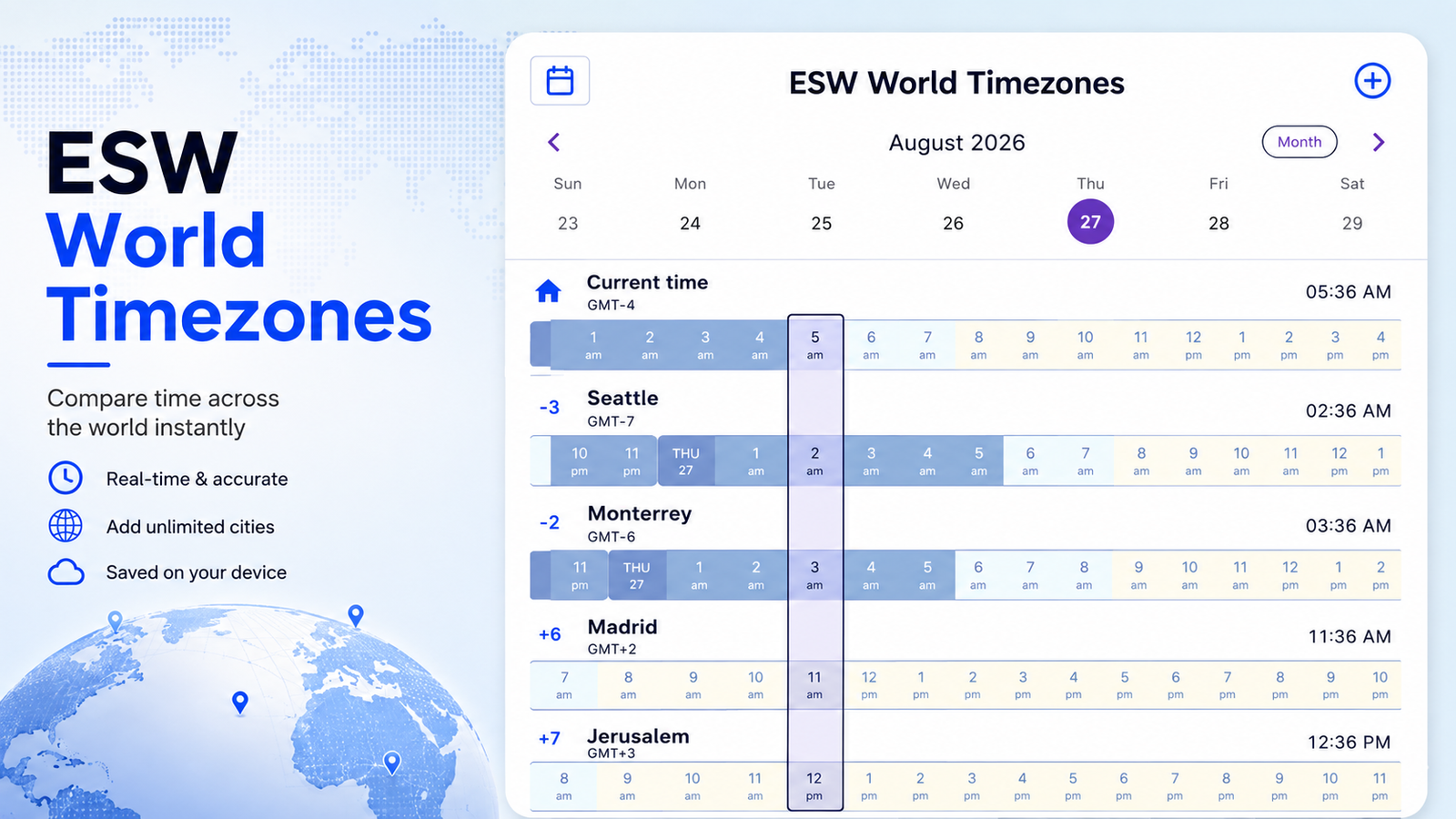
Example
Imagine you’re in New York and there’s an online event happening in Sydney, Australia at 9:00 AM. Simply add Sydney to your locations, then scroll the timeline left or right until you find 9:00 AM on the Sydney row. The centered comparison bar will instantly show you the corresponding time in New York and every other city you’ve added.
Need to check a different day? Use the calendar icon to select a specific date, or use the left and right arrows to move between days.
ESW World Timezones is an interactive WordPress plugin that makes it easy to compare the time across multiple cities around the world at a glance. Visitors can add their favorite locations, scroll through time together, select specific dates, and use the centered time indicator for quick comparisons. Their selected locations are saved locally on their device, and optional location access can automatically set their home timezone—all with daylight-saving time adjustments handled automatically.
Interested in the Plugin?
I’m currently working on the plugin’s documentation and installation instructions.
If you’re interested in using ESW Enhanced Details on your own WordPress website, feel free to contact me at edsilvaworld@pm.me, and I’ll be happy to provide you with information on how you can obtain a copy.
Like this plugin? Explore all my ESWWordPress Plugins to discover more tools I’ve created to add useful features and functionality to your WordPress website.