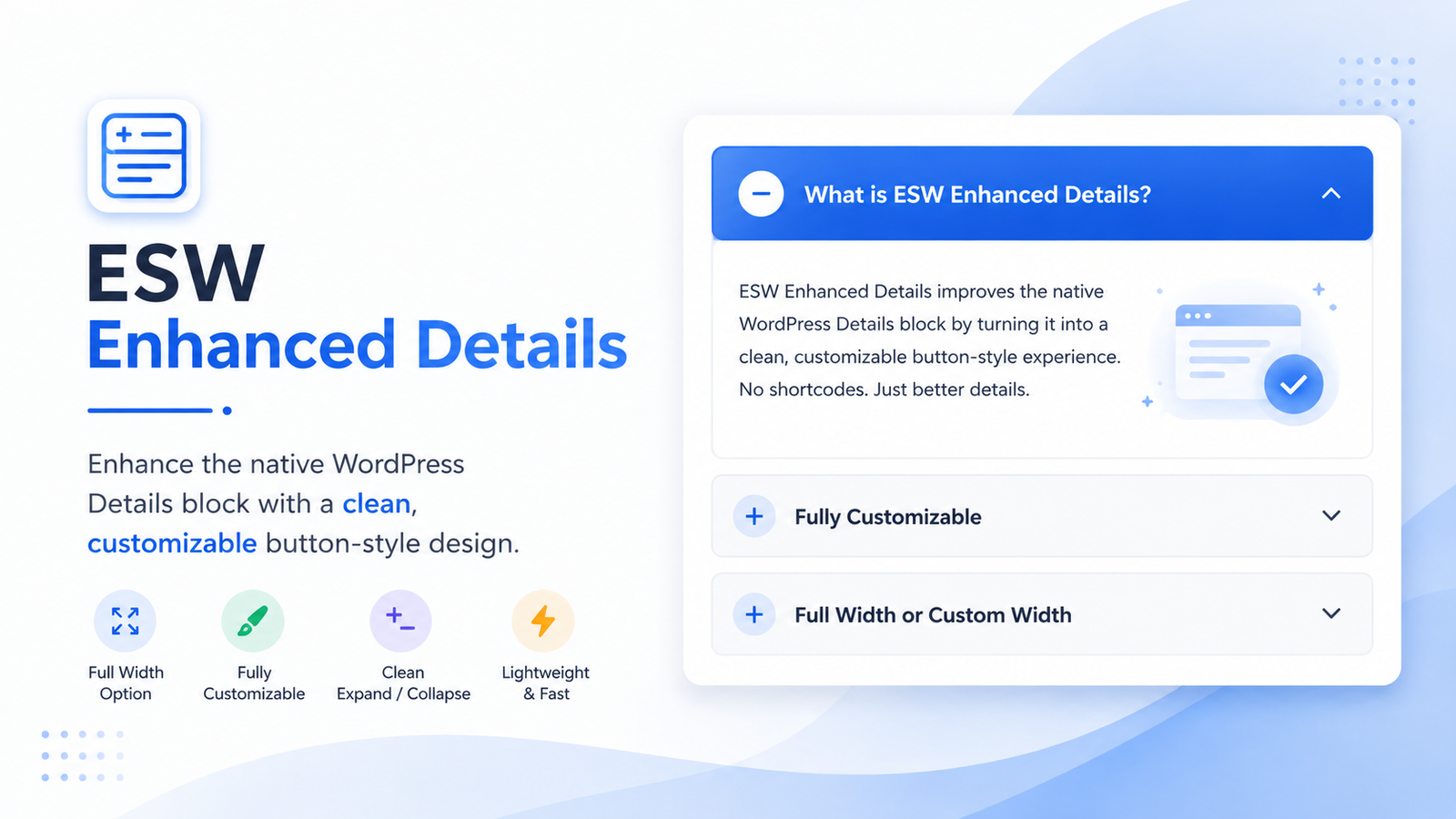
Turn the native WordPress Details block into a clean, customizable expandable button.
Sometimes you want to provide additional information without filling the entire page with text. WordPress already includes a Details block that allows visitors to click a heading and reveal additional content underneath it.
ESW Enhanced Details takes that existing WordPress feature and gives it a cleaner, more polished, button-style appearance.
Best of all, there are no shortcodes to remember. The plugin works directly with the native WordPress Details block, so you can continue creating your pages and posts using the normal WordPress block editor.
How It Works
After installing and activating ESW Enhanced Details, simply add a regular Details block from the WordPress editor.
The first line becomes the clickable button or heading, while anything placed inside the Details block remains hidden until the visitor opens it.
For example:
What is WordPress?
When the visitor clicks the button above, the Details section could expand to display:
WordPress is a content management system that allows you to create and manage websites, blogs, and other types of online content.
Clicking the button again closes the section.
More Than Just Text
Because ESW Enhanced Details works with the native WordPress block, the expandable area isn’t limited to a simple sentence.
Depending on the content supported by the WordPress Details block, you can use it to organize additional information such as:
- Paragraphs and longer explanations
- Lists
- Links
- Images
- Instructions
- Frequently asked questions
- Definitions
- Additional resources
- Other compatible WordPress block content
This makes it useful whenever you want information to remain easily available without displaying everything on the page at the same time.
Example: Frequently Asked Question
Do I need to use a shortcode?
No. ESW Enhanced Details automatically enhances the native WordPress Details block. Simply insert a Details block as you normally would and add your content.
Example: Additional Information
Click here for more information
This area can contain a longer explanation that visitors only see when they are interested in learning more. It helps keep a page cleaner while still making the additional information immediately available.
Example: Instructions
Show installation instructions
- Install and activate the plugin.
- Open a page or post in the WordPress editor.
- Add the native WordPress Details block.
- Enter the text visitors will click.
- Add the content you want displayed when the section opens.
- Publish or update your page.
That’s it. There is no special shortcode or custom block to learn.
Adjustable Width
One of the main features of ESW Enhanced Details is the ability to control how the Details element appears on your page.
You can make the expandable button use the full available width, allow it to size automatically according to the content, or specify a custom maximum width.
For example, you might use a smaller button for a short definition but choose a full-width layout for FAQs, instructions, disclaimers, or larger sections of information.
Customizable Appearance
The plugin includes settings that allow you to customize the appearance of your enhanced Details blocks, including:
- Button background color
- Button text color
- Expanded content background
- Border color
- Rounded corners
- Button padding
- Content padding
- Width
- Optional + / − indicator
This allows the Details block to better match the design of your website without requiring you to manually write CSS.
Native WordPress — Just Enhanced
The goal of ESW Enhanced Details is not to replace something WordPress already does well.
Instead, it enhances the feature that’s already there.
You continue using the familiar WordPress editor and the native Details block, while the plugin takes care of giving it a more attractive, interactive, button-style presentation.
No complicated setup.
No special content system.
No shortcode required.
Just add a Details block, enter your content, and let ESW Enhanced Details take care of the presentation.
Interested in the Plugin?
I’m currently working on the plugin’s documentation and installation instructions.
If you’re interested in using ESW Enhanced Details on your own WordPress website, feel free to contact me at edsilvaworld@pm.me, and I’ll be happy to provide you with information on how you can obtain a copy.
Like this plugin? Explore all my ESW WordPress Plugins to discover more tools I’ve created to add useful features and functionality to your WordPress website.